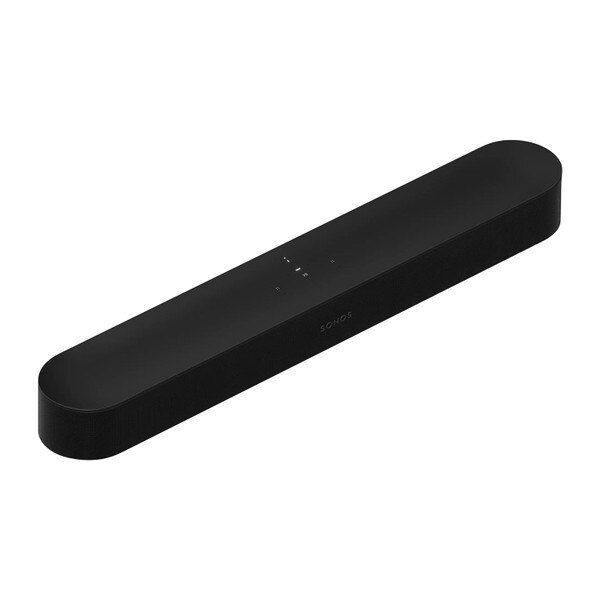
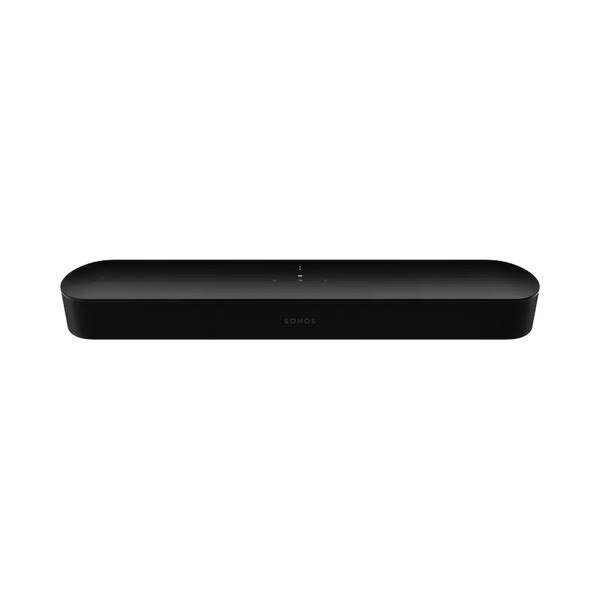
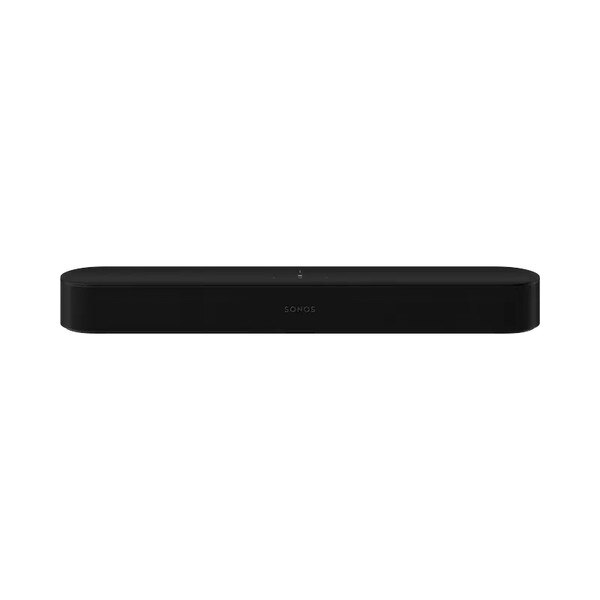
Sonos BEAM Smart Soundbar - Black
Details
Beam Gen 2
Enrich all your entertainment with the latest generation of our compact smart soundbar, now with Dolby Atmos.
Experience panoramic sound and crystal clear dialogue for shows, movies, and games. When the TV is off, stream music and more from all your favourite services. Control is easy with the Sonos app, your voice, and Apple AirPlay 2. Add speakers to create a wireless surround sound system and enjoy multiroom listening. Everything connects over WiFi.
Smarter On the inside
A 40% faster chip pushes the sonic limits for a soundbar this size, creating two new audio paths for a virtual surround sound experience.
More beautiful on the outside
The new precisely perforated grille elevates the elegant design and blends seamlessly into your home, whether you place Beam on furniture or mount it.
Exceptional sound all around
Dolby Atmos maps sounds in space for a 3D effect so you experience planes as if they're flying overhead, hear footsteps moving across the room, and feel the score surround you.
Crystal clear dialogue
Oscar-winning sound engineers helped fine-tune Beam to make sure you hear every word and can always follow the story. For even greater clarity when characters whisper or the action intensifies, turn on Speech Enhancement in the Sonos app.
High quality even at low volumes
Advanced audio processing ensures balanced sound from wall to wall at any volume level. When you want to watch TV but need to keep it down, turn on Night Sound in the app to reduce the intensity of loud effects and enhance quieter ones.
Made for music
Stream music, radio, audiobooks, and podcasts from all your favourite services with detailed stereo sound that fills the room.
Breeze through setup
Go from unboxing to unbelievable sound in minutes with only two cables and step-by-step guidance from the Sonos app.
Tuned to perfection
Trueplay tuning technology adapts the sound for the unique acoustics of the room so your content always sounds just the way it should.
Freedom of control
Sonos App
Connect all your streaming services, discover new music on Sonos Radio, and personalised settings.
TV remote
The soundbar syncs with your existing remote for streamlined control and no extra clutter.
Touch
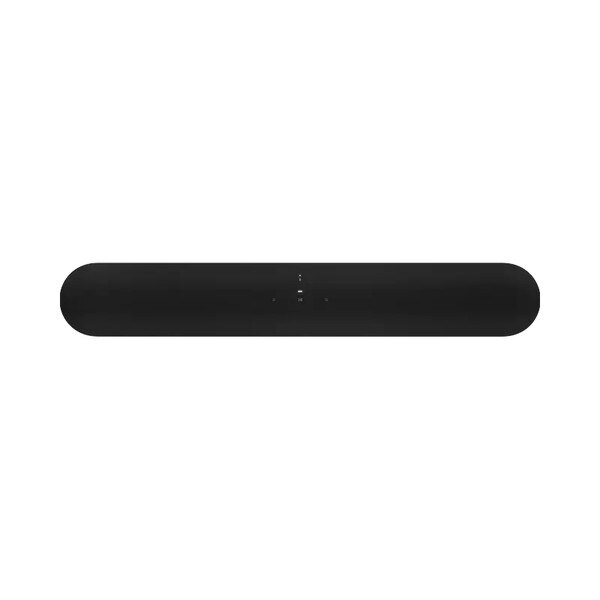
Tap or swipe the top of the soundbar to pause the music, adjust the volume, skip a track, and more.
Apple AirPlay 2
Send sound directly from your iPhone, iPad, or Mac, then ask Siri to turn it up from your device.
Hands-free help
Ask Amazon Alexa or Google Assistant to set timers, check the news, control your smart home devices, and more.
Surround sound simplified
Get an even more immersive experience with a subwoofer and rear speakers. Everything connects quickly and easily over WiFi so you don’t have to run wires across the room.
Better together
Mix and match speakers to build the sound system you want over time. Simply add on when you're ready and enjoy listening all around your home and beyond.
Specifications
| Amplifier | All five Class-D digital amplifiers have been perfectly tuned to the soundbar's unique acoustic architecture. |
|---|---|
| Tweeters | One centre tweeter creates a crisp, high-frequency response. |
| Midwoofers | Four elliptical midwoofers ensure faithful playback of mid-range frequencies and maximise low-end output. |
| Microphones | The far-field microphone array uses advanced beamforming and multi-channel echo cancellation for quick and accurate voice control. |
| Passive Radiators | Three passive radiators enhance low frequencies for balanced, powerful sound. |
| Adjustable EQ | Use the Sonos app to adjust bass, treble and loudness. |
| Trueplay | This software measures the acoustics of the room then fine-tunes the soundbar. Supported iOS device required. |
| Speech Enhancement | Turn this setting on in the Sonos app to boost voice frequencies and clarify dialogue. |
| Night Sound | Turn this setting on in the Sonos app to reduce the intensity of loud sounds and increase the level of quieter sounds. |
| Home Theatre Audio Formats | Stereo PCM, Dolby Digital, Dolby Digital Plus, Dolby Atmos (Dolby Digital Plus), Dolby Atmos*, Dolby TrueHD*, Dolby Atmos (True HD)*, Multichannel PCM*, Dolby Multichannel PCM* (*HDMI eARC connection required.) The Sonos app's Now Playing screen will display what type of audio is being decoded. |
| Details + Dimensions | |
| Dimensions | 2.72 in (69 mm) 25.63 in (651 mm) 3.94 in (100 mm) |
| Colours | Black, White |
| Weight | 6.2 lb (2.8kg) |
| Finish | Matte |
| Mounting | Threaded mount 0.5 in. (12.7 mm) / 10-32 threaded mounting socket |
| Controls | Use the capacitive touch controls on the product to play, pause, skip, replay, adjust the volume, turn off the microphones and more. |
| LEDs | Lights on the product indicate connection, charge status, mute status, microphone activation, and errors. |
| Power + Connectivity | |
| WiFi | Connect to WiFi with any 802.11b/g/n/ac 2.4 or 5 GHz broadcast-capable router. |
| HDMI eARC | Connect to your TV's HDMI eARC/ARC port with the included HDMI cable. If your TV has an optical output only, use the included Sonos Optical Audio Adapter. |
| Ethernet | 10/100 port for hardwiring to your router |
| Infrared (IR) Receiver | Syncs the soundbar with your TV remote for streamlined control |
| CPU | Quad Core 1.4 GHz A-53 |
| Memory | 1GB SDRAM 4GB NV |
| Apple AirPlay 2 | Works with AirPlay 2 on Apple devices iOS 11.4 and higher on WiFi |
| Voice | Works with Amazon Alexa and Google Assistant on WiFi |
| Box Contents | |
| What's included in the box: | Sonos Beam (Gen 2) |
| Power Cable I | Length: 6 ft (2 m) |
| HDMI Cable | Length: 4.9 ft (1.5 m) |
| Optical Audio Adapter | For TVs with optical output |
| Documentation | Quickstart Guide and legal/warranty information |
| Requirements | |
| WIFI | Internet Connection |
| Power Source | Nearby Electrical outlet |
| Sonos App | The latest generation of the Sonos app running on a compatible device |
FAQs
How is Beam (Gen 2) different from Beam (Gen 1)?
Can I mount Beam?
Which Sonos speakers work as surrounds?
Which generations of Sub will work with Beam (Gen 2)?
What is HDMI eARC?
Do I need a TV that supports HDMI eARC?
If you connect to a TV with eARC, the Dolby audio formats supported include Dolby Atmos, TrueHD, MAT, Dolby Digital Plus, and Dolby Digital.
If you connect to a TV using ARC, the Dolby audio formats supported are dependent on your TV model and manufacturer. The TV may be capable of sending Dolby Atmos, Dolby Digital Plus and Dolby Digital. An ARC connection cannot support TrueHD or MAT.
If you connect to a TV using the optical adapter, the Dolby audio formats supported are dependent on your TV model and manufacturer. The TV may be capable of sending Dolby Digital. An optical connection cannot support Dolby Atmos, TrueHD, MAT, or Dolby Digital Plus.
What is Dolby Atmos?
How do I know if I'm getting Dolby Atmos?
Do I need surrounds and a subwoofer for Dolby Atmos?
How does the Dolby Atmos experience differ from Beam (Gen 2) to Arc?
Will Beam (Gen 2) work with my voice assistant?
Can I control my TV with my voice?
Does Beam (Gen 2) work with Apple TV 4K?
Can I use the Sonos S1 Controller app with Beam (Gen 2)?
Ask a Question
Product Enquiry
Fill out the form below to get more information on this item and our friendly team will get back to you shortly.