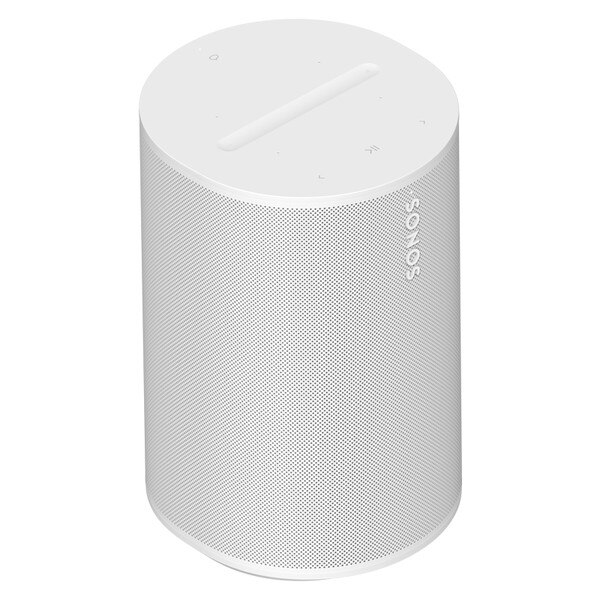
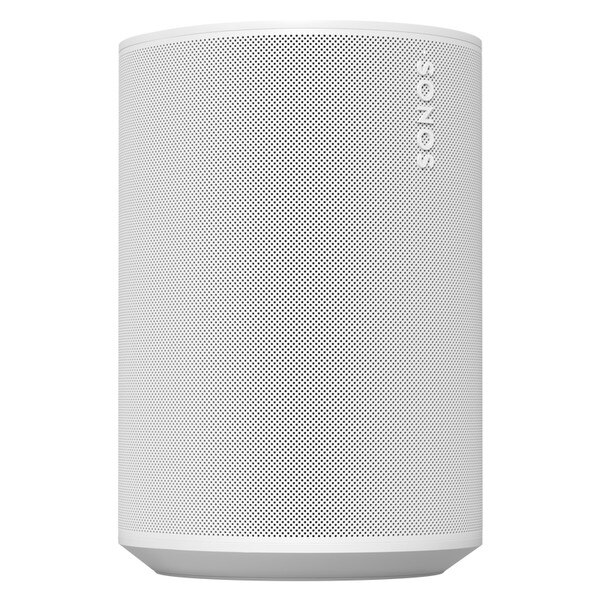
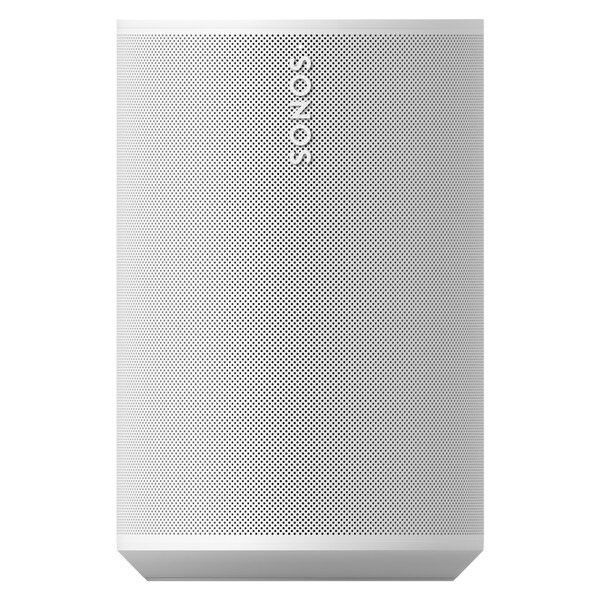
Sonos ERA 100 Bookshelf Speaker - White
SKU: E10G1AU1
Details
An Icon, remastered
Superb sonic power
- Next-gen acoustics bring your music to life with detailed stereo separation and deep bass at any volume.
- Dual angled tweeters send crisp high frequencies left and right for a rich stereo experience.
- Featuring a 25% larger woofer than Sonos One, Era 100 fills the room with noticeably deeper bass.
- Custom waveguides amplify dispersion of sound waves to create a wider soundstage.
- A 47% faster processor and new co-neural processor improve performance.
Specifications
| Audio | |
|---|---|
| Amplifiers | Three class-D digital amplifiers precision-tuned for the speaker's unique acoustic architecture power your sound experience. |
| Tweeters | Two angled tweeters create a crisp and accurate high frequency response and stereo separation. |
| Woofers | One midwoofer ensures the faithful playback of mid-range vocal frequencies and deep bass. |
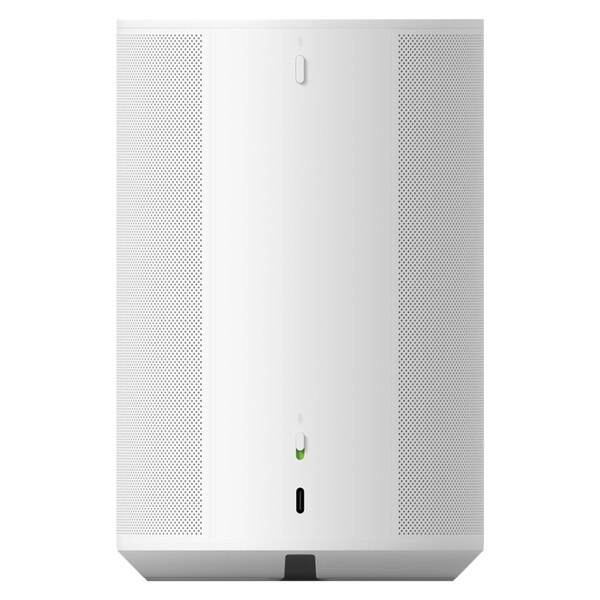
| Microphones | The far-field microphone array uses advanced beamforming and multichannel echo cancellation for quick and accurate voice control and Trueplay tuning. Disconnect by toggling off the mic switch. |
| Adjustable EQ | Use the Sonos app to adjust bass, treble, and loudness. |
| Trueplay | This software measures the acoustics of the room then fine-tunes the EQ. Compatible with iOS and Android devices. |
| Dimensions | Height: 7.18 in (182.5 mm) Width: 4.72 in (120 mm) Depth: 5.14 in (130.5 mm) |
| Details + Dimensions | |
| Weight | 4.44 lb (2.02 kg) |
| Colors | Black, White |
| Finish | Matte |
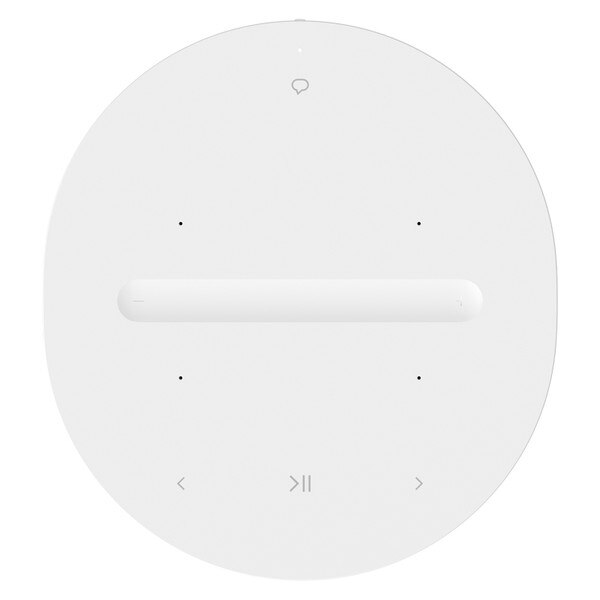
| Controls | Use the capacitive touch controls to play, pause, skip, replay, adjust the volume, mute your voice assistant, and group or ungroup Sonos products. |
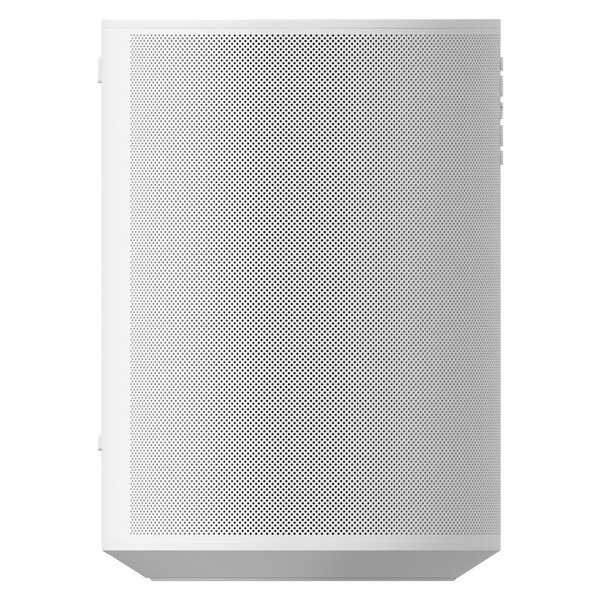
| Bluetooth Button | Press to pair with a Bluetooth device. |
| Mic Switch | Toggle off this switch on the back of the product to disconnect all power to the microphone hardware. |
| LEDs | Lights on the product indicate connection, microphone activity, and mute status. |
| Power + Connectivity | |
| WiFi | Compatible with WiFi 6. Connect to WiFi with any 802.11a/b/g/n/ac/ax 2.4 GHz/5 GHz broadcast-capable router. |
| Bluetooth | Bluetooth 5.0 supports audio streaming from any Bluetooth-enabled device. |
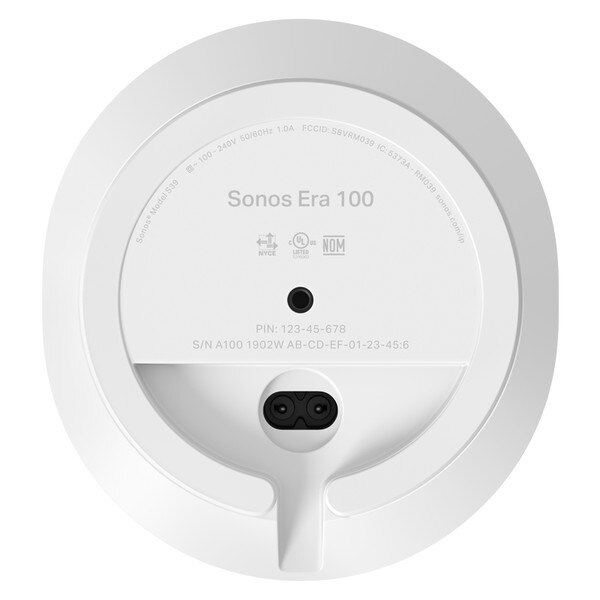
| Voltage | 100-240V 50/60Hz internal power supply |
| USB-C | Connect an audio source using a 3.5 mm auxiliary cable and the Sonos Line-In Adapter. Connect your router with an ethernet cable and the Sonos Combo Adapter. (All accessories sold separately.) |
| CPU | Quad Core 4xA55 1.9GHz |
| Memory | 8 Gb DDR4 8 Gb NAND |
| Voice | Works with Sonos Voice Control and Amazon Alexa. Availability of services varies by language and country. |
| Apple AirPlay 2 | Works with AirPlay 2 on Apple devices iOS 11.4 and higher. |
| Box Contents | |
| Power Cable | Length: 6 ft (2 m) |
| Documentation | Quickstart Guide and legal/warranty information |
| Requirements | |
| WiFi | Internet connection |
| Power Source | Nearby electrical outlet |
| Sonos App | The latest generation of the Sonos app running on a compatible device |
FAQs
Where should I place Era 100?
Designed for versatility, Era 100 fits almost anywhere, including enclosed spaces such as a bookshelf. It’s also humidity resistant, so you can place it in the kitchen or on a covered patio. If you prefer to save surface space, you can use the custom designed Sonos Era 100 Wall Mount or Sonos Era 100 Stand. These accessories are also great options if you are using a pair as rear speakers for home theater surround sound.
Does Era 100 support stereo pairing?
Yes. For an even wider soundstage, you can stereo pair two Era 100 speakers in the same room. These can also be used as rear speakers for surround sound with Arc, Beam (any generation), or Ray. Era 100 will not bond with Sonos One, One SL, or Play:1. Refer to https://support.sonos.com/article/create-a-stereo-pair for more information.
What soundbars will pair with Era 100 for surround sound?
You can connect two Era 100 speakers with Arc, Beam (any generation), or Ray for surround sound. Era 100 is not compatible with Playbar or Playbase.
Which subwoofer should I pair with Era 100?
We recommend pairing Era 100 with Sub Mini or Sub. All generations of Sub are compatible.
Can I experience Dolby Atmos with Era 100?
The acoustic architecture of Era 100 does not support playback of spatial audio content.
Can I use Bluetooth as soon as I plug in the speaker?
Era 100 must first be set up on WiFi using the Sonos app. Following setup, you can easily pair a Bluetooth device by pressing the button on the back of the speaker. Please note that if you use a pair as rear speakers for home theater surround sound, Bluetooth will be disabled.
What's the difference between Bluetooth and WiFi?
A WiFi connection provides the best listening experience, allowing you to stream lossless audio from anywhere in your home. Bluetooth allows you to quickly connect a phone, tablet, or laptop to your speaker and stream compressed audio directly from the paired device — without the Sonos app but within a limited range.
Can I use Bluetooth with a stereo pair?
If you have created a stereo pair, you can still stream audio using Bluetooth. Please note that if you use a pair of speakers for home theater surround sound, Bluetooth and Line-In will be disabled.
Can I group speakers while using Bluetooth?
Yes. Similar to the experience with Sonos Roam and Move, if you are playing content from a Bluetooth source, you can group Era 100 with other products in your Sonos system that are connected to WiFi.
How do I use Trueplay to tune Era 100?
The Trueplay tuning experience differs slightly for Android and iOS. With an Android device, Trueplay relies on the microphones of the speaker. With an iOS device, you have the option to use this Trueplay method (referred to as Quick Tuning in the Sonos app) or the traditional method (referred to as Advanced Tuning) which uses the microphones in your iPhone or Ipad and requires you to move around the room. Please note that if you use a pair of Era 100 speakers for surround sound with your Sonos soundbar, Trueplay will require a supported iOS device. Refer to https://support.sonos.com/en-us/article/tune-your-sonos-speakers-with-trueplay for more information.
How can I use line in?
To connect an audio device directly to Era 100, you need to use the Sonos Line-In Adapter and a 3.5 mm auxiliary cable, both sold separately.
Can I use a third-party adapter for line in?
No. Most, if not all, of the USB-C to 3.5 mm adapters on the market today are intended for line out (headphones) and do not support line in. Use the Sonos Line-In Adapter for a reliable connection.
What kind of devices can I connect to Era 100 using line in?
You can connect any audio source with 3.5 mm line output, such as a turntable, computer, or CD player.
Can I connect Era 100 to my TV?
A line-in connection is not designed for use with a TV and will result in latency and/or lip sync issues while audio is converted from analog to digital. To enhance your home theater experience, you’ll want a Sonos soundbar, which you can also use to stream music. With Arc, Beam (any generation), or Ray, you can wirelessly connect a pair of Era 100 speakers for immersive surround sound.
Where is the ethernet port on Era 100?
Unlike many previous Sonos products, Era 100 does not feature an ethernet port. If you need or would prefer to hardwire your speaker, you can use the Sonos Combo Adapter, which features both an ethernet port and 3.5 mm line input. These connections require an ethernet cable and auxiliary cable, respectively.
What can I do with the USB-C port?
The USB-C port is designed for line in and ethernet connections using the Sonos Line-In Adapter or Combo Adapter. It is not a power source for the speaker and should not be used to charge other devices, such as your phone.
Which voice assistants can I use with Era 100?
You can use Sonos Voice Control and Amazon Alexa with Era 100 in supported countries and languages. Both services must be enabled using the Sonos app. You can also use Google Assistant on another speaker in your system to play and manage music with Era 100.
Can I use the Sonos S1 Controller with Era 100?
Era 100 requires the latest generation of the Sonos app (Sonos S2). Please refer to https://support.sonos.com/article/sonos-s2-compatibility for more information.
Ask a Question
Product Enquiry
Fill out the form below to get more information on this item and our friendly team will get back to you shortly.